Mobile First Setup
Instructions for how to create a shortcut to the WiP website on the homepage of your mobile device.
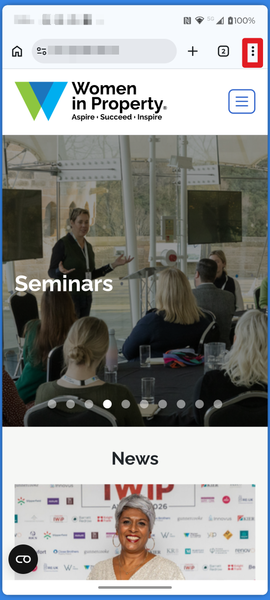
1. Open the Women in Property Website - https://www.womeninproperty.org.uk
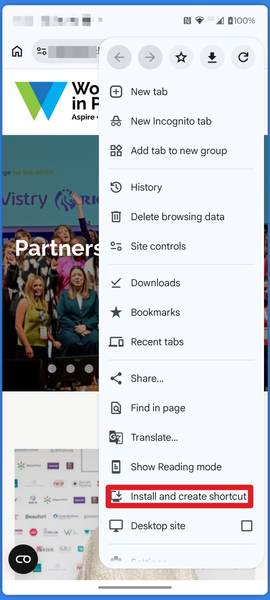
and select options (3 dots highlighted in red box) .
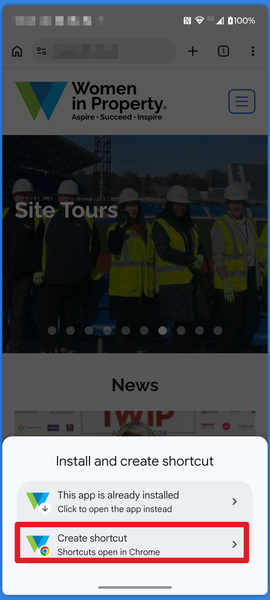
3. Select "Create shortcut"
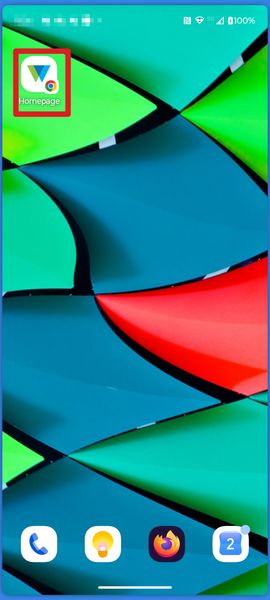
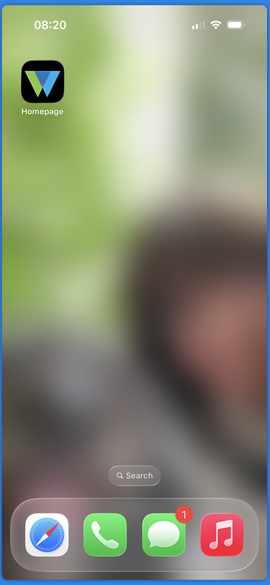
5. You should see a shortcut similar to the one shown below on one of you homepages.
2. Select "Install and create shortcut" from options list.
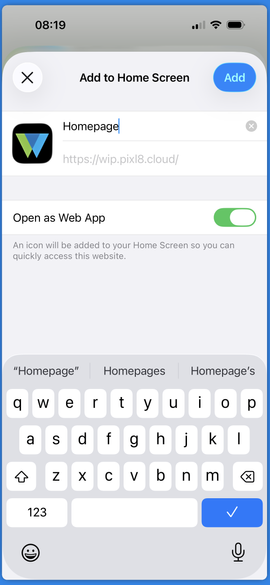
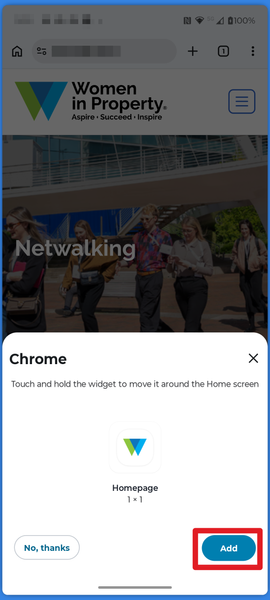
4. Enter a name for the shortcut and tap "Add."
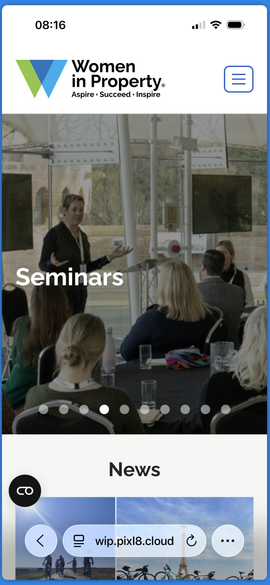
1. Open Safari and navigate to the site you want to save as a shortcut (e.g., your Ready Membership admin page).
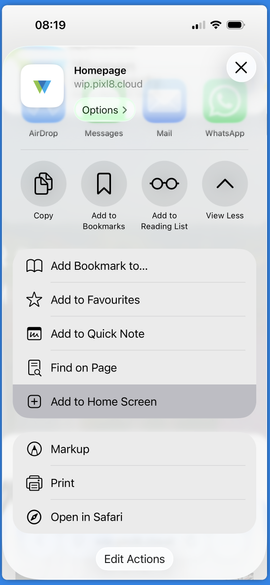
3. From the menu, select "Add to Home Screen."
5. The icon will now appear on your home screen as an app shortcut.
2. Tap the "Share" icon (a square with an up arrow).
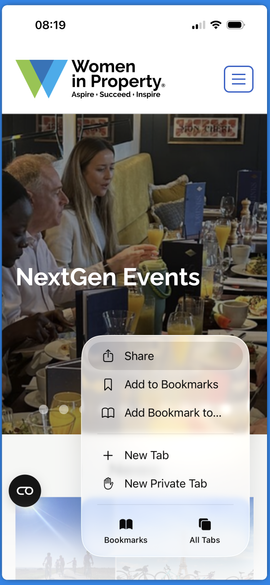
4. From the menu, select "Add to Home Screen."